
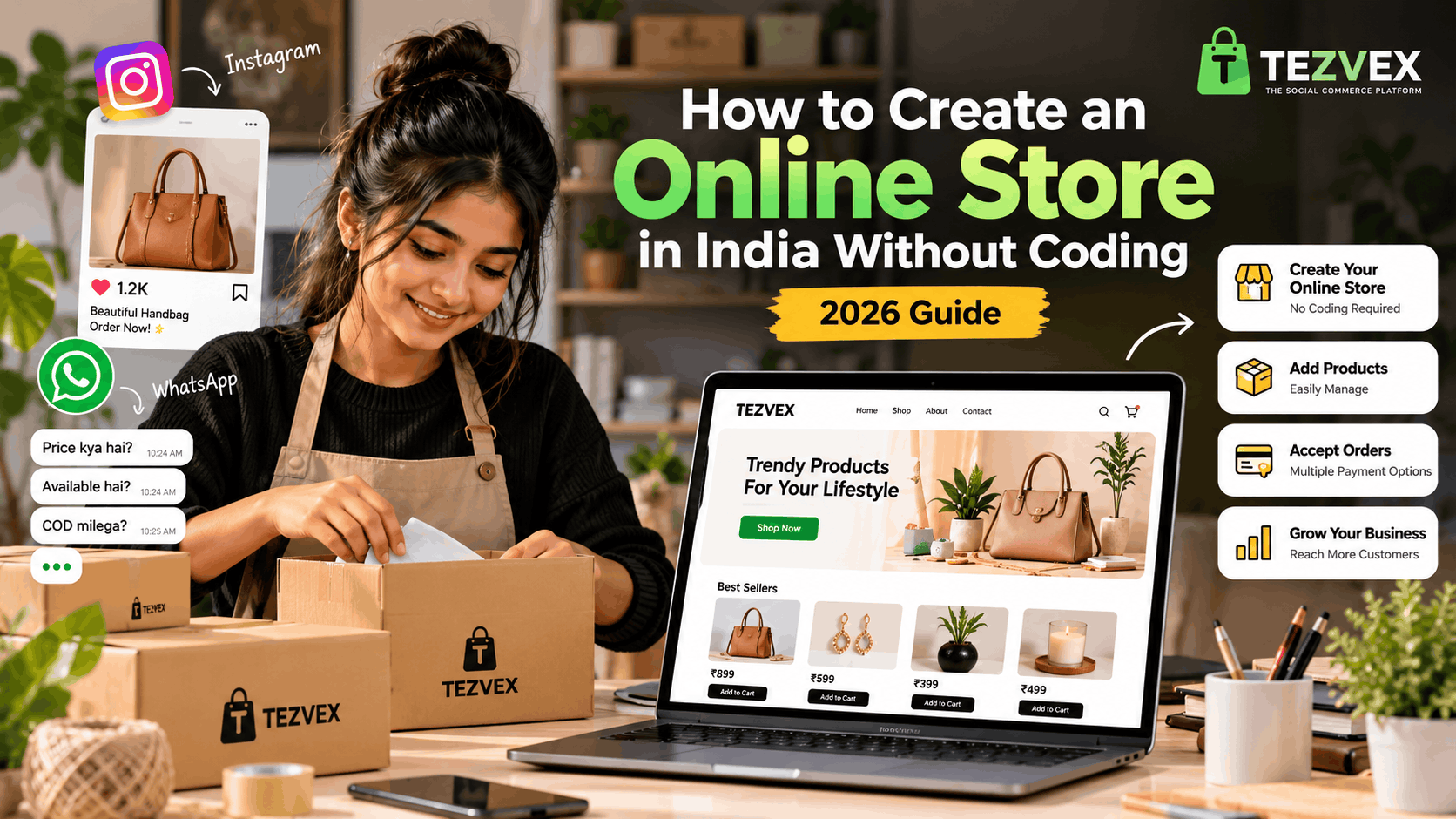
Starting an online business in India has become more accessible than ever. Whether you sell clothing, jewellery, beauty products, handmade items, or home decor, creating an online store can help you showcase your products and reach more customers.
Many small business owners start by selling through Instagram and WhatsApp. However, managing product enquiries, prices, and customer orders manually can become difficult as sales increase. Creating your own online store gives customers a dedicated place to explore your products and shop.
In this guide, we will explain how to create an online store without coding, what features to consider, and how to promote your store online.
1. Decide What You Want to Sell
Before creating your store, decide which products you want to offer. Choose a product category based on your budget, customer demand, competition, and ability to manage inventory.
Popular product categories for online businesses include:
- Clothing and fashion accessories
- Jewellery and handmade products
- Beauty and personal care products
- Home decor and lifestyle products
- Personalised gifts
- Stationery and accessories
Start with a manageable product range. Research competing businesses and calculate product costs, packaging expenses, shipping charges, and expected profit margins before deciding your prices.
2. Choose the Right Platform to Create Your Store
You do not necessarily need programming knowledge to create an online store. No-code e-commerce platforms allow business owners to build an online storefront using existing tools and templates.
When evaluating a platform, consider the following features:
- Easy product and category management
- Mobile-friendly storefronts
- Order management tools
- Payment options that suit your business
- Customisable store information
- Clear pricing and subscription terms
- SEO-friendly product and store pages
Tezvex is a social commerce platform designed to help sellers create online stores without coding. You can explore the platform to determine whether its available features and pricing meet your business requirements.
Compare the available options carefully before choosing a platform for your business.
3. Add Your Products and Write Clear Descriptions
Once your store is ready, add your products with accurate information. Customers should be able to understand what they are buying without having to contact you for every detail.
For each product, include:
- A clear product name
- High-quality product images
- An accurate product description
- The selling price
- Available sizes, colours, or variations
- Relevant delivery and return information
Write descriptions that answer common customer questions. Avoid keyword stuffing and unsupported claims. Clear, useful product information helps customers make informed purchasing decisions.
4. Make Your Online Store Mobile-Friendly
Many customers discover products through social media on their smartphones. Your online store should therefore be easy to navigate on smaller screens.
Check that:
- Product images display correctly.
- Text is readable without zooming.
- Buttons are easy to tap.
- Product prices are clearly visible.
- Navigation is straightforward.
- The checkout process is easy to understand.
Test your storefront on different screen sizes before sharing it with customers. A confusing mobile experience can discourage visitors from completing their orders.
5. Connect Your Store with Instagram and WhatsApp Marketing
Creating a store is only one part of building an online business. You also need to help potential customers discover your products.
Social media can support your store promotion strategy. For example, you can:
- Share your store link in your Instagram bio.
- Publish product demonstrations through Reels.
- Post new arrivals and product collections.
- Share your store link with interested customers on WhatsApp.
- Answer product questions and provide helpful information.
- Encourage satisfied customers to leave genuine feedback.
For more tips, read our guide on how to start an online business on Instagram in India.
That article explains how to establish your Instagram presence, promote products, build customer trust, and improve the ordering process.
6. Build Trust with Clear Business Policies
Customers need confidence in a business before placing an order. Your online store should provide clear information about the business and its policies.
Consider publishing the following information where applicable:
- Business contact details
- Shipping and delivery policy
- Return and refund policy
- Privacy policy
- Terms and conditions
- Payment information
Make sure your policies reflect the actual way your business operates. Explain delivery timelines, additional charges, and return conditions clearly. Follow applicable Indian consumer protection and other legal requirements.
7. Optimise Your Online Store for Search Engines
Search engine optimisation, commonly called SEO, helps search engines understand your pages and can improve their chances of appearing in relevant search results. Rankings are not guaranteed, and results usually take time.
Start with these basic SEO practices:
- Use descriptive titles for your pages.
- Write unique product descriptions.
- Use relevant keywords naturally.
- Give product images descriptive alternative text.
- Use readable URLs where supported.
- Link related pages together.
- Publish useful content that answers customer questions.
For example, a store selling handmade jewellery should use specific, accurate descriptions rather than repeating the same generic keywords across every product page.
8. Use Internal Links to Connect Related Content
Internal links are links that connect one page on your website to another page on the same website. They help visitors discover related content and help search engines find and understand the relationship between your pages.
For example, an article about starting an Instagram business can link to a guide about creating an online store. The online store guide can then link back to the Instagram business article.
Use descriptive anchor text that tells readers what they will find after clicking. Add links only when they are relevant to the surrounding content.
You can begin by exploring the Tezvex homepage and reading our guide to starting an online business on Instagram.
9. Monitor Your Store's Performance
After launching your store, monitor how customers interact with it. Tracking performance can help you identify areas that need improvement.
Depending on the tools available to you, monitor:
- Website visitors
- Popular product pages
- Traffic sources
- Customer enquiries
- Orders and completed purchases
- Marketing costs and sales revenue
Use this information to improve product pages, refine your marketing strategy, and make the shopping experience more convenient.
Conclusion
Creating an online store in India without coding is a practical option for entrepreneurs who want to establish an online presence. Start by selecting suitable products, choosing an appropriate platform, adding accurate product information, and making your store easy to use on mobile devices.
Promote your products through relevant social media channels, publish clear business policies, and connect related pages with useful internal links.
If you want to explore a no-code social commerce platform, visit Tezvex and review its features to see whether it fits your business needs.
Frequently Asked Questions
Can I create an online store without coding?
Yes. No-code e-commerce platforms let you create an online storefront without writing the website code yourself. Available features vary by platform.
What do I need to start an online store in India?
You need a product or service to sell, a way to accept and fulfil orders, clear pricing, and a suitable online sales channel. Depending on your business model, additional registrations, licences, or tax compliance may apply.
Can I promote my online store through Instagram?
Yes. You can share product posts, publish Reels, answer customer questions, and add your store link to your Instagram profile to help interested customers discover your products.
What are internal links in SEO?
Internal links connect pages on the same website. They help visitors navigate related content and help search engines discover pages and understand how they relate to one another.
How long does SEO take to show results?
SEO results vary depending on competition, website quality, content, and other factors. It can take weeks or months to see meaningful changes, and no specific ranking position is guaranteed.
```